Booking with PIN
The tour is created as described in the chapter “Create tour”. It is now possible to book a tour where the driver has not yet been determined.
In the Participants section, you now have the option of clicking on “Unnamed participants”.
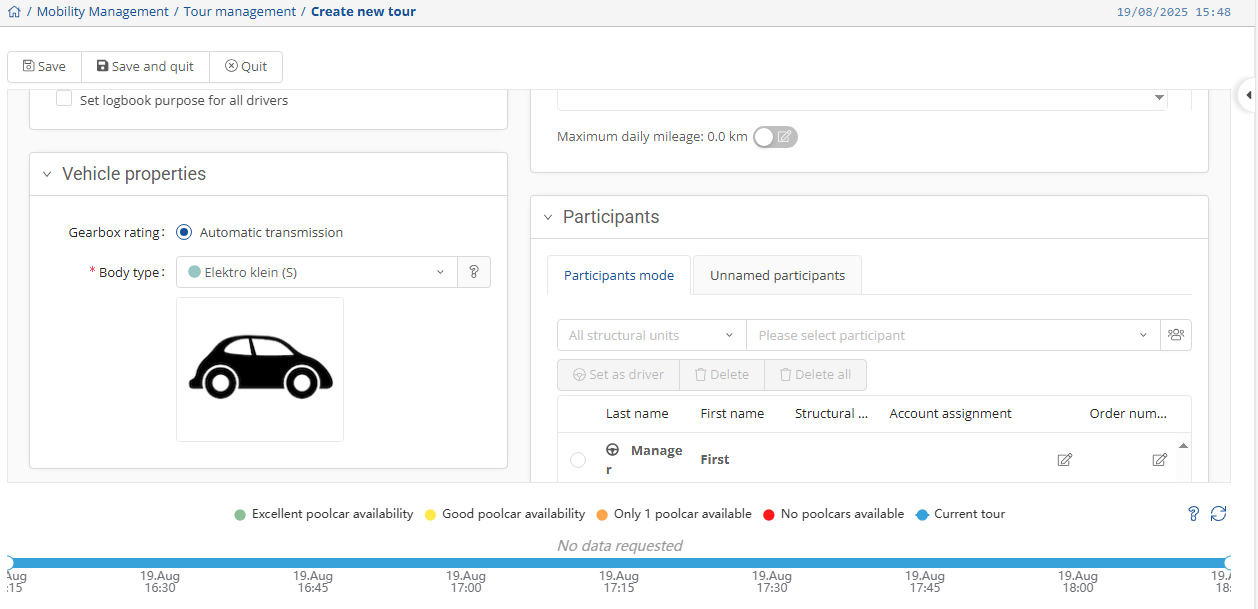
Here you can now specify the number of people who will be traveling. Then click  to create the tour.

In Vehicle Management, you can now see the booking and the corresponding PIN for the tour.

If you do not see the PIN immediately,
check the blue filter  to see if the PIN function is activated as a display.
Accordingly, you can also drag the column to the front in the overview.