
Detailed view
In the detailed view, you can see the tour management information in more detail and more clearly.
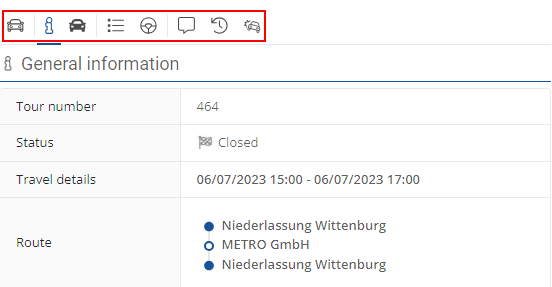
The detailed view is divided into four sections.
The first section shows the assigned vehicle ( ). The second section displays general information (
 ) and the third section shows the trip attributes (
 ) and the driver (
 ).
).
In the last section, you can add a comment about the trip ( ), view the trip history (
 ) and display damage reports (
 ).
).