End tour
Once you have completed your tour, it must then be completed in the portal. You can do this by clicking on the  -button.
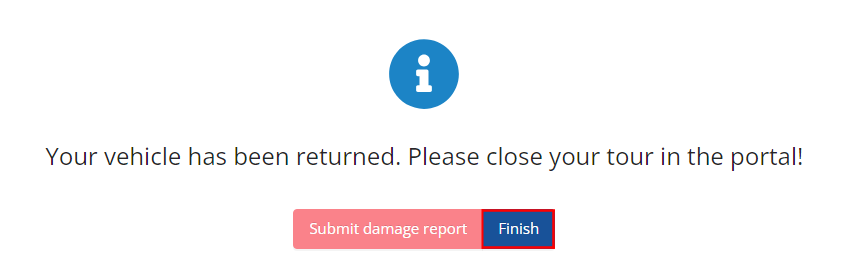
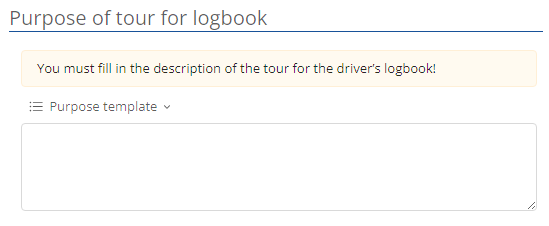
Another window will then open where you can enter details for the tour feedback. A description of the tour (tour purpose) must be entered here.
You can then enter information on the vehicle status.

You also have the option of using the arrow  to display the tour data. .

Once you have entered all the details, you can finally end the tour by clicking on  .
.