
Interval appointments
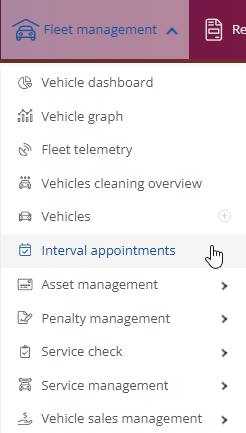
You can view and set the interval appointments on the start page under Fleet Manager and the drop-down menu below.
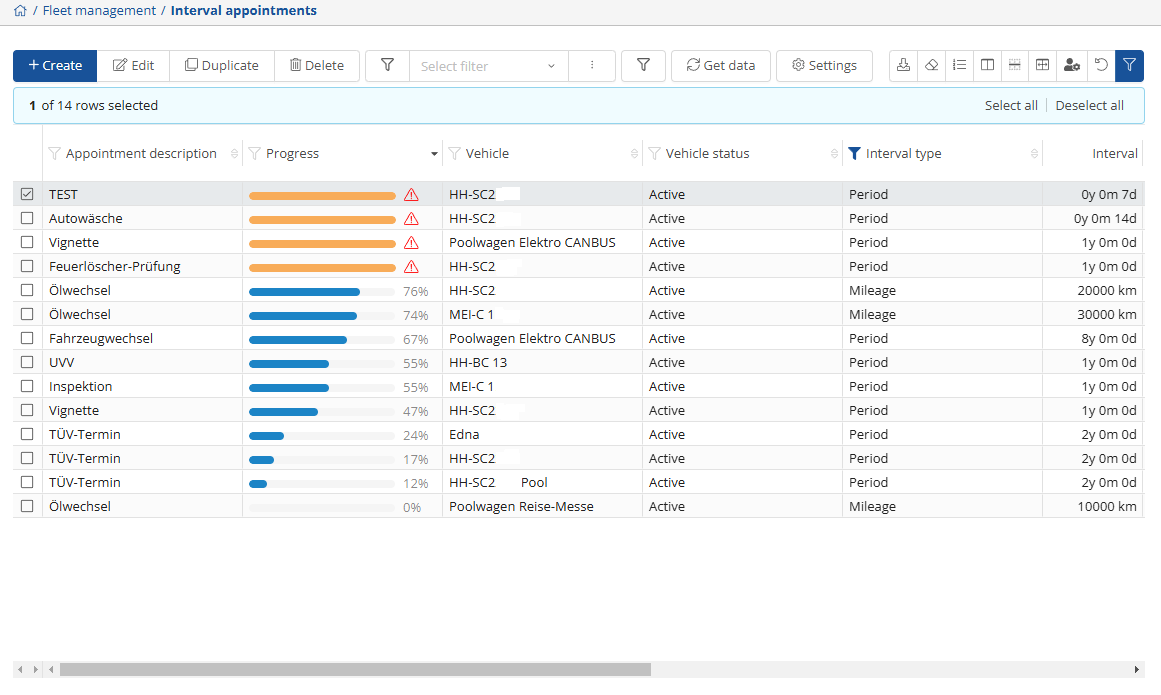
If you click on it, you will be taken to the complete overview of appointments, their progress or details, which you can set and manage.
You can create a new appointment via , change an existing appointment via
  , and you can also change an appointment
  or
or  .
.
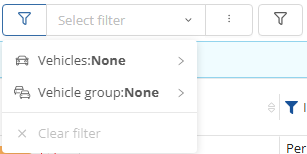
You can also use the filter function to filter for specific vehicles or vehicle groups.
To refresh, click on  .
.
You can use this function to make settings for appointment templates so that they are set directly or predefined when they are created.
If you click on  , another window opens where you can define the desired appointment template settings.

Here you can create a new template as before using  , you can change an existing template via
  , and you can also delete the template by pressing the
  - button and
update the template by clicking on  .
.
If you want to create a new template and select , a window will open where you can enter the desired data.
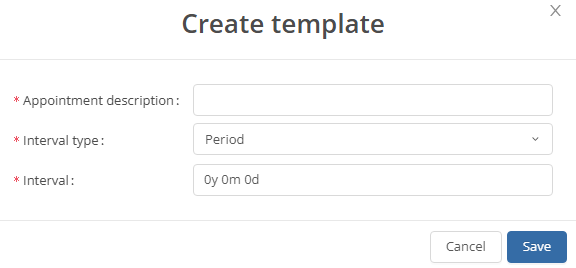
Once you have entered the desired dates and intervals, click on save and you will return to the appointment template view.
To return to the main view, click on  in the bottom right-hand corner and you will be back in the main view of the appointment intervals.
As soon as you have created and saved your templates, you can save your desired interval appointments. If you want to create a new appointment, click on  .
.
This will open a new window where you can enter the relevant data.
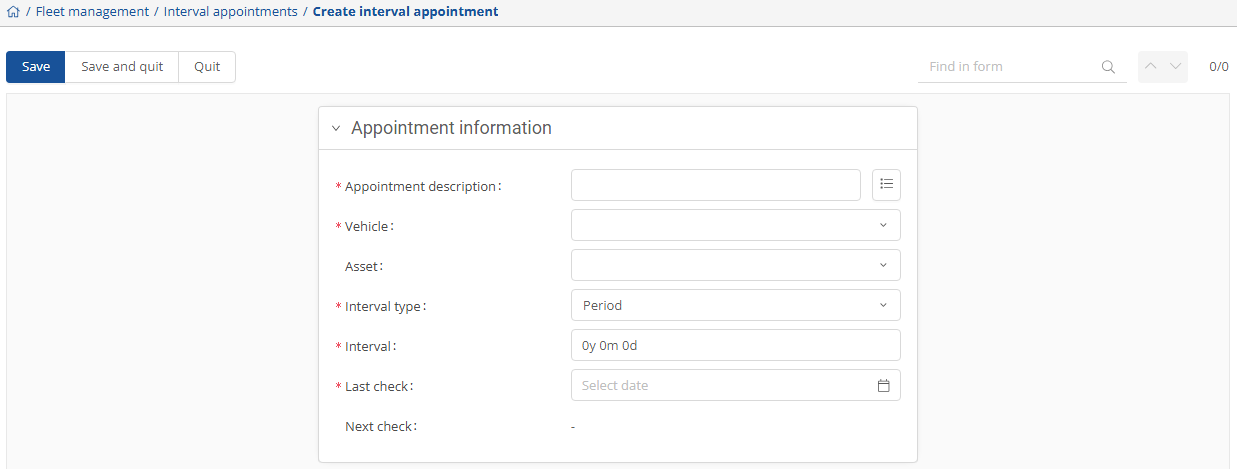
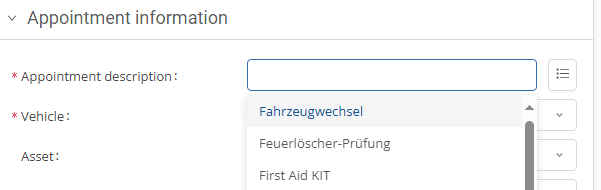
You can then select from the templates you have stored under the first item, Appointment description.
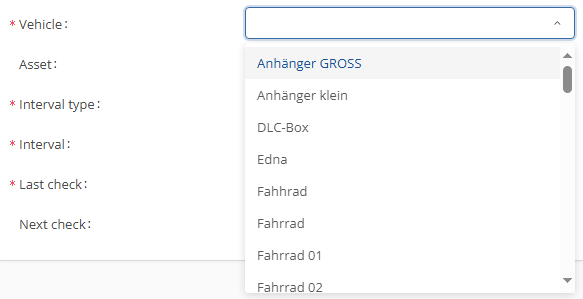
The vehicle settings can be selected from the vehicles already stored in your system.
When setting the interval type, you can select a period and mileage.
The stored template that you have previously set is displayed for the interval. For example, if you have set an interval of one year as a template for the fire extinguisher, this will be displayed directly.
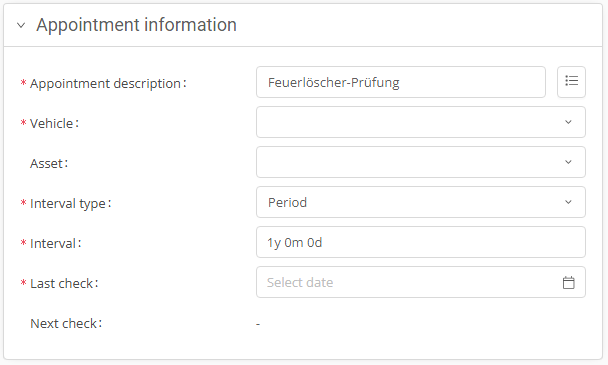
However, you can customize the interval and change it according to your wishes.
Finally, you can set the last date if, for example, you need to replace the fire extinguishers after 5 years.