Penalty management:
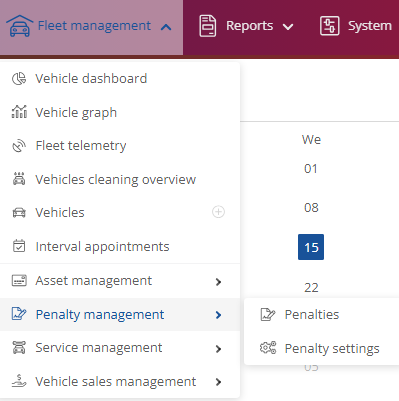
You can find the view and settings for penalties on the home page under Fleet Manager and the drop-down menu below it.
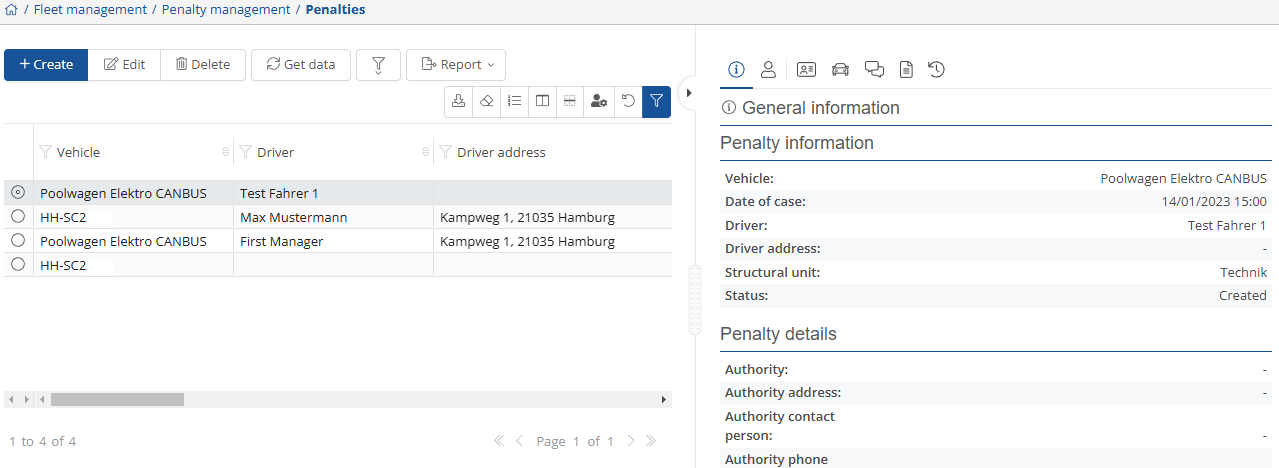
If you click on  , you will be taken to a complete overview of the administrative offenses that have been created, their progress, and details that you can manage.
You can generate a new one via  and store it under
  or
or  .
.

You can change existing penalties via  , remove them using
  , or filter them by canceled and completed ones
  .
.
Under Reports, you can create and save templates.

The relevant information is displayed on the right-hand side. Under  you will find general information , the creator
  , driver information with the relevant skills
  , under
  the vehicle details,
relevant information in the forum  , any existing documents
  and the history of penalties
  .
.
To configure settings and create templates, click on  .
.
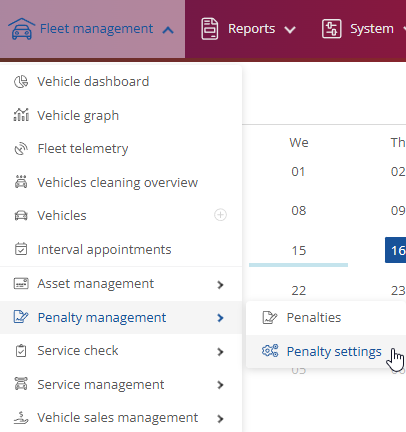
This will open a new window where you can edit the individual settings.
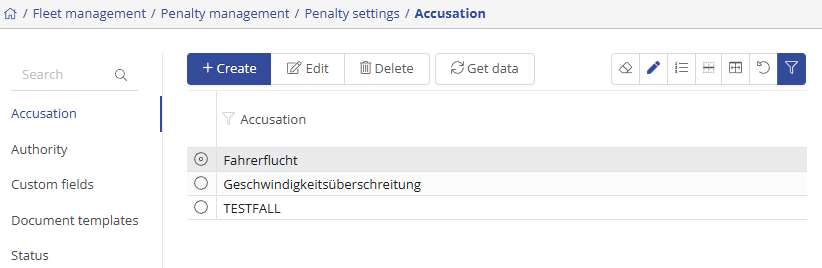
You can use  to add new templates/settings, change existing ones via
  , you can also update
  and
and  .
.
If you want to register an accusation, just press  and a new window will pop up where you can enter the relevant info and then hit
  .
.
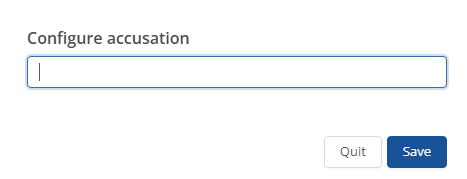
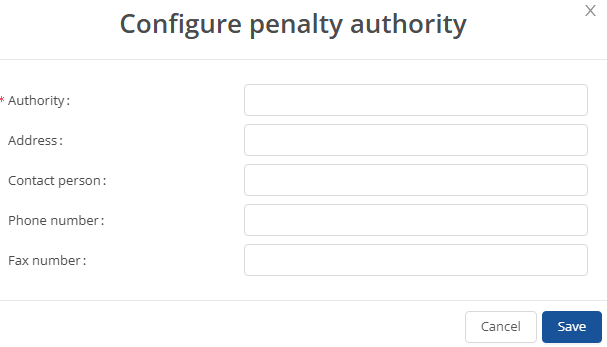
If you want to register an authority, please click on  and a new window will open where you can enter the relevant information and then confirm by tapping on
  .
.
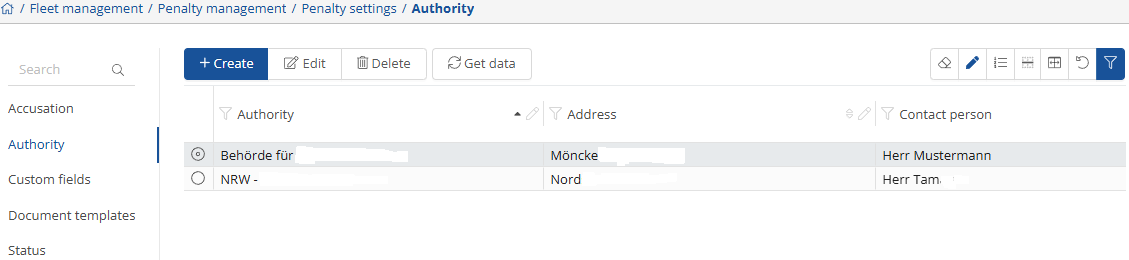
The window should look like this:
Here you can see which custom fields are stored and manage them.
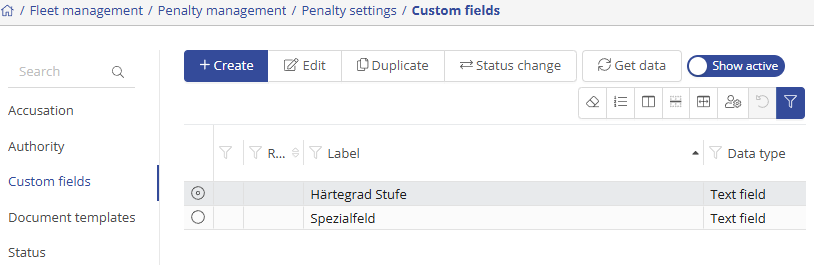
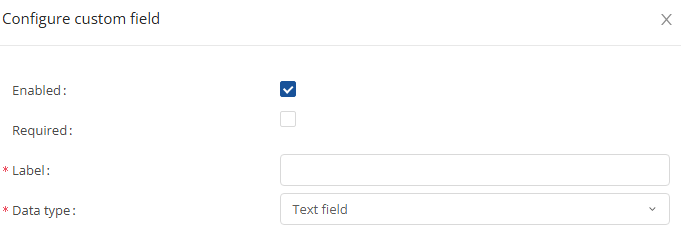
If you want to store the corresponding custom fields, select  and a new window will open where you can enter the relevant information and then tap . Here you can also change the status at any time
  , as well as the function
  .
.
Here you can see which offenses are stored and manage them.
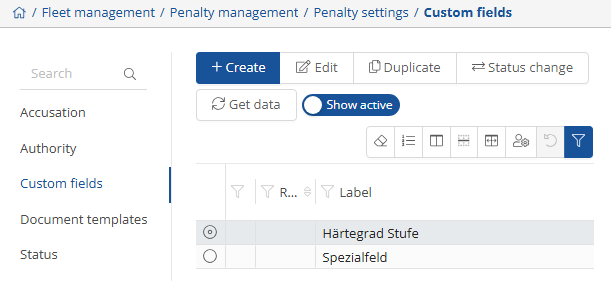
If you want to report the offense, click on and a new window will open where you can enter the relevant information and then click on .
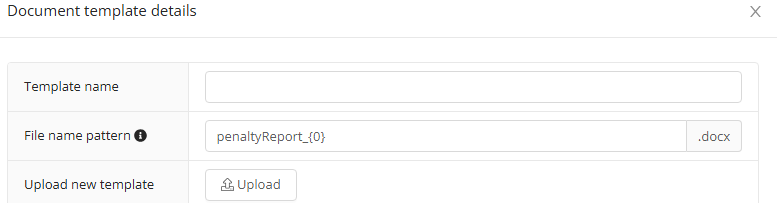
Here you can see which documents are stored and manage them.
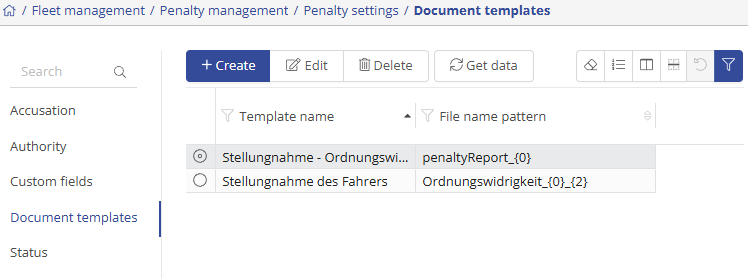
If you want to save a document template, go on  and a new window will pop up where you can enter the relevant info and then select
  .
.
Here you can see which status options are stored and manage them.
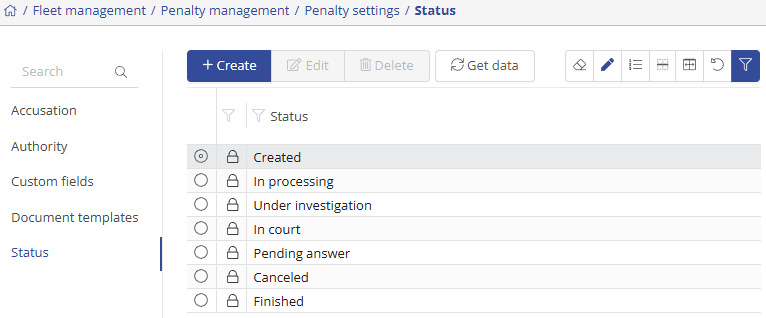
If you want to save a status, right-click on  and a new window will open where you can enter the relevant information and then press
  .
.