
Service Check:
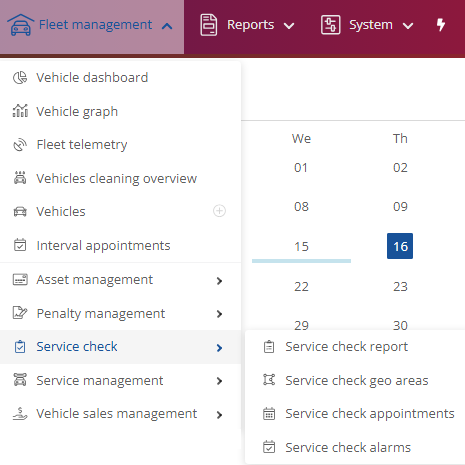
Service check report:
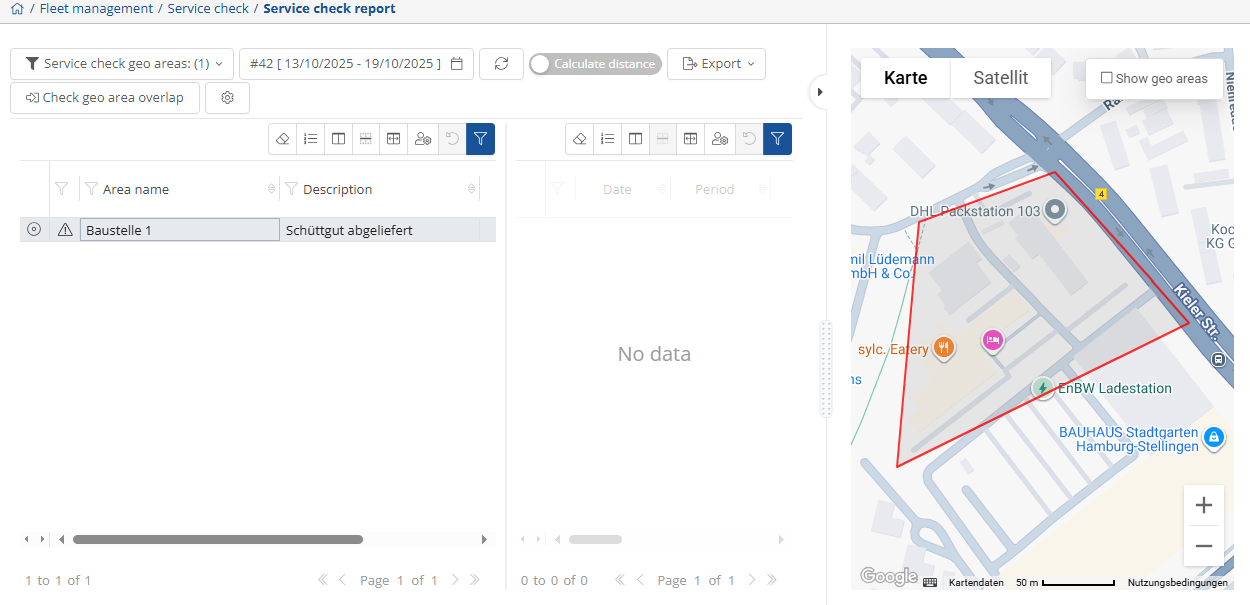
The Service check report displays the stored area in which the vehicle(s) operate and the stored stations they visit. The desired area  and the desired time period
  can be displayed. The
  -button can be used to export the data as a CSV or PDF file.
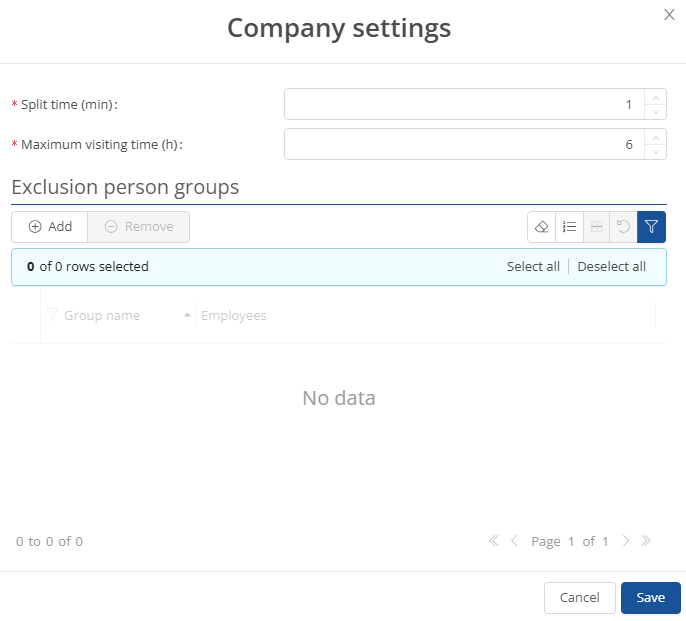
By tapping on  , you can save the desired company settings with the desired data and add or remove the committee member group.
Service check geo areas:
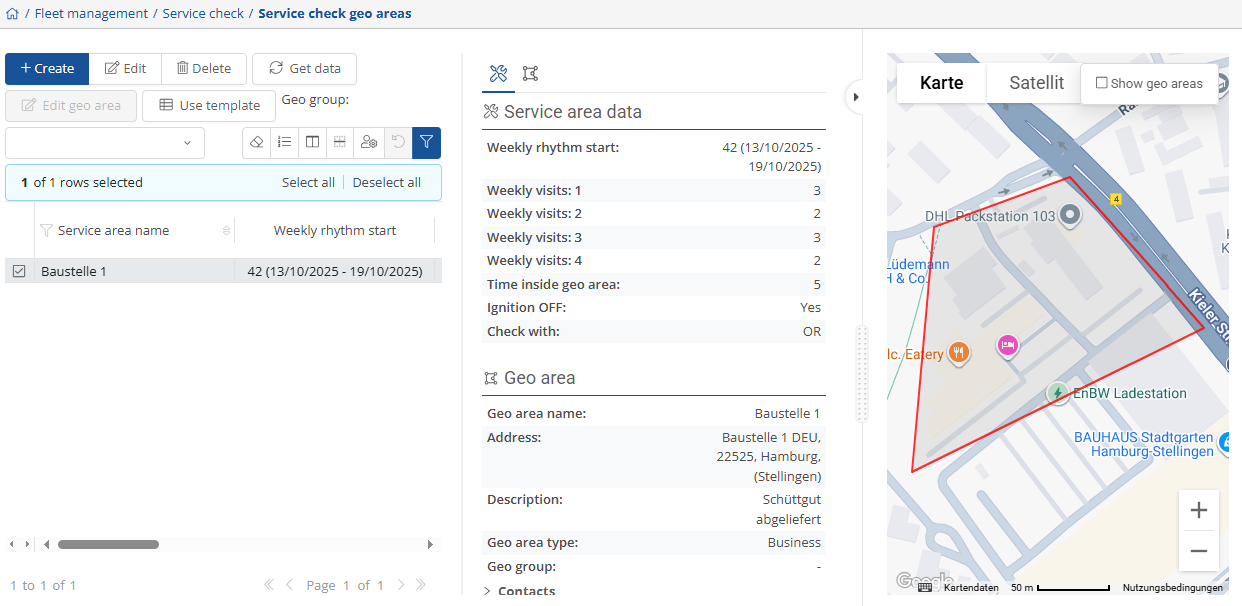
In this view, you can store and manage the desired service areas, which are then displayed and evaluated in the Service check report. All relevant data for the service zone is stored here. You can store a new service zone via  , change the existing one using
  or
or  update and
  .
.
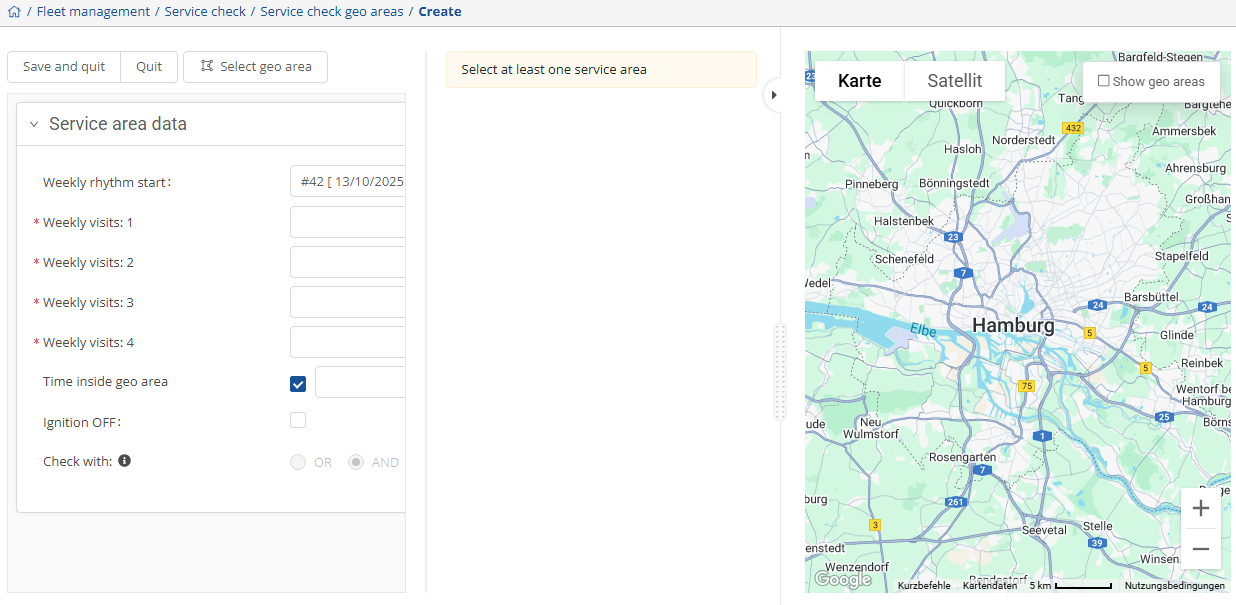
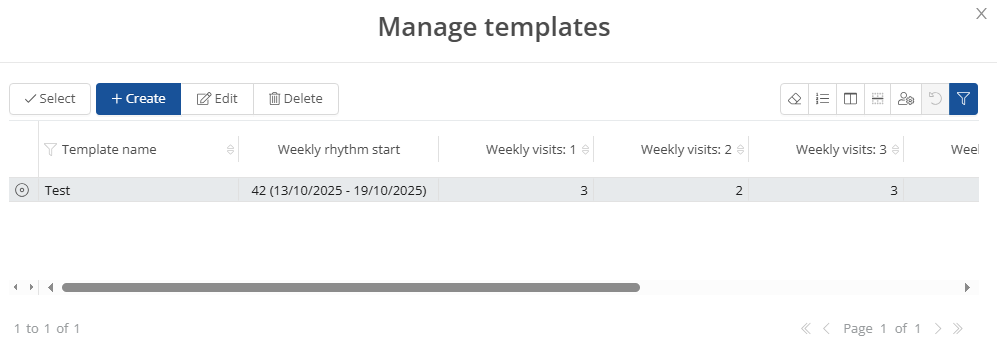
If you do not want to create a new service area, you can use  an existing template.
Service check appointments:
In this view, you can see the upcoming appointments for the weeks and, if you click on  , you can change them.

Service check alarms:
In this view, you can view and manage the stored alarms. You can store a new alarm with  , change an existing alarm by
  , change the status via
  ,
,  or even
  .
.
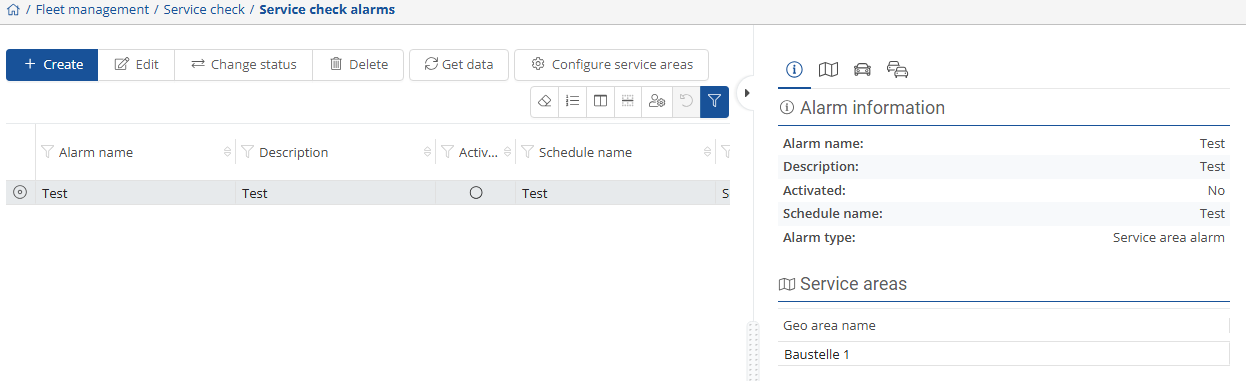
You will find the relevant information on the right-hand side. Here you will find the alarm information  , the stored service zone
  ,
,
the associated vehicles  , and the vehicle groups
  .
.