
Rental car management
You can call up all rental car bookings in the rental car administration. You can filter these by location ( ) and activity (
 ).
).
You can show or hide the detailed view by clicking on the  -button.

You can select a booking by clicking on it.
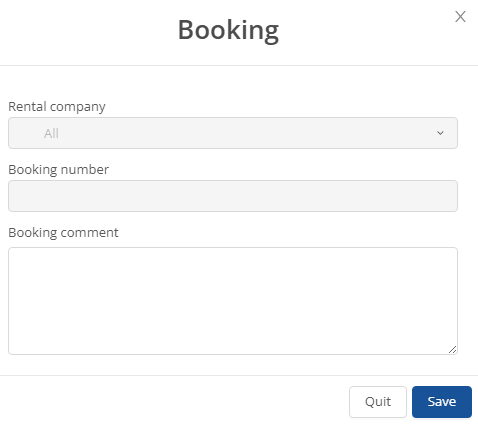
You can edit a selected booking by clicking on the -button. The following window will then open where you can adjust your details.
To edit the invoice for a booking, select it and then click on the  -button. You can adjust your data in the window that then opens.

You can cancel a booking by selecting the relevant booking and clicking on  . This entry must then be confirmed with "Yes".

You also have the option of displaying the tour in the tour management via the  -button.