
Rental company
In the Rental company menu, you can add and edit rental companies.
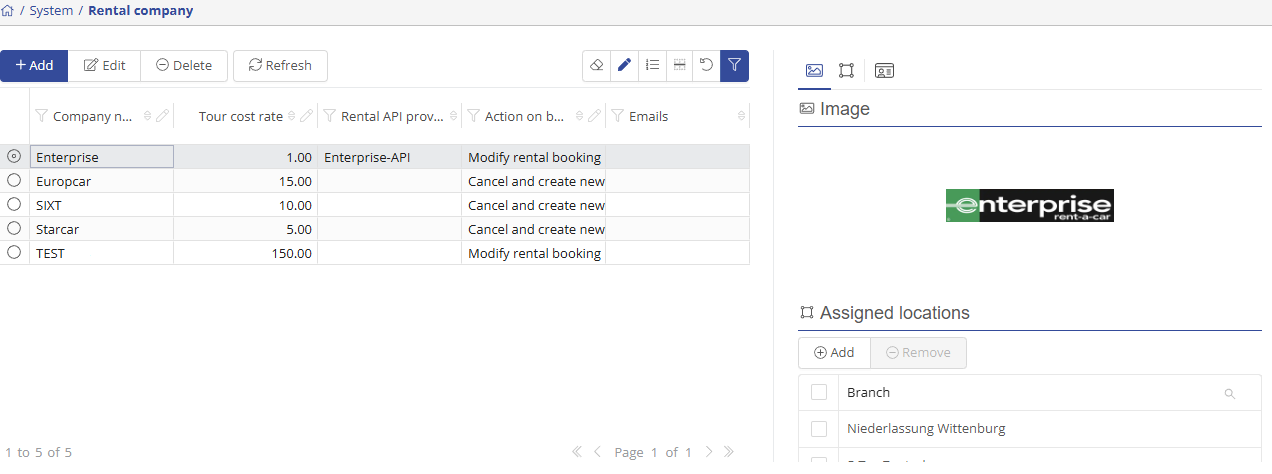
On the left side of the window, you will see all rental companies stored in the system. On the right side, you will see the image and the linked locations of the rental company.
To add a new landlord, click on the  -button.
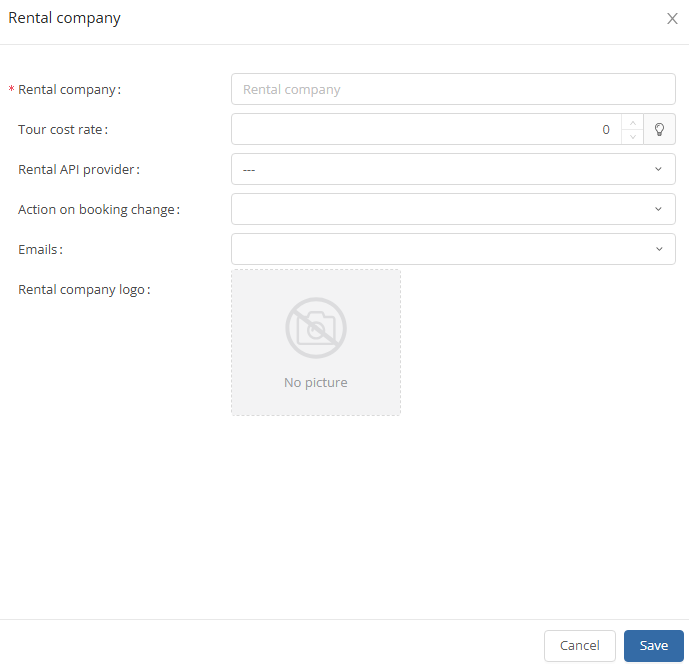
Fields marked with an asterisk are mandatory. Here you can enter the name and logo of the rental company. By clicking on the  -button, the new rental company entry is added.
By clicking the  -button, you can edit the selected landlord.
On the right side of the screen, you can also edit the linked locations of the rental company. To add a location to the rental company, press the  -button. You can then add the corresponding locations.
By tapping the  -button, you can remove the selected location from the landlord.