User settings
In the user profile settings, you have the option of customizing your user profile and managing the user settings.
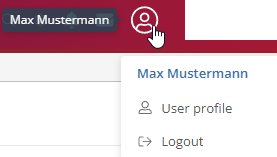
User profile:
Click on  to open an overview of the user.
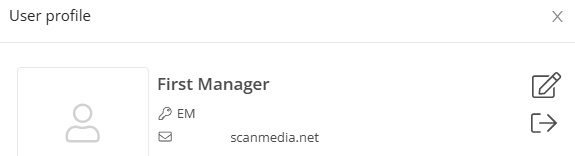
Click on  to add a profile picture, change your e-mail address and change the language. You can also change your password here. You can log out of the system by clicking on
  .
.
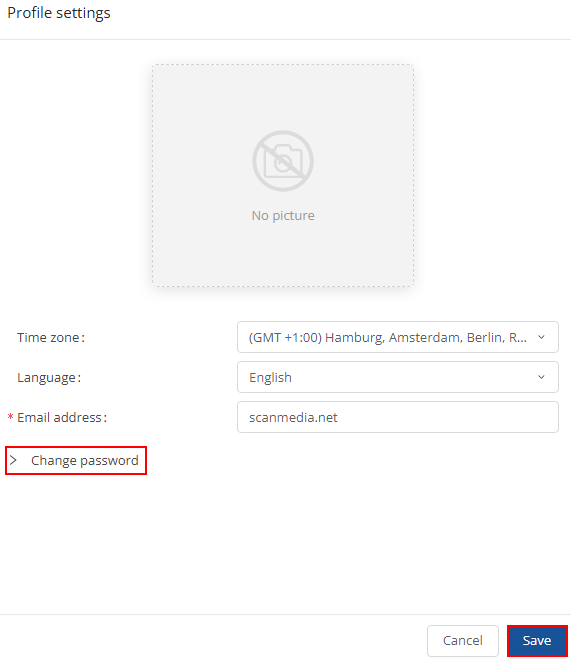
Click on  to save the new settings.
Log out:
If you select , you will be logged out of the portal..