
Corporative companies
In this section, you can add companies with all important data to the system. To do this, press the  -button to create a new company.
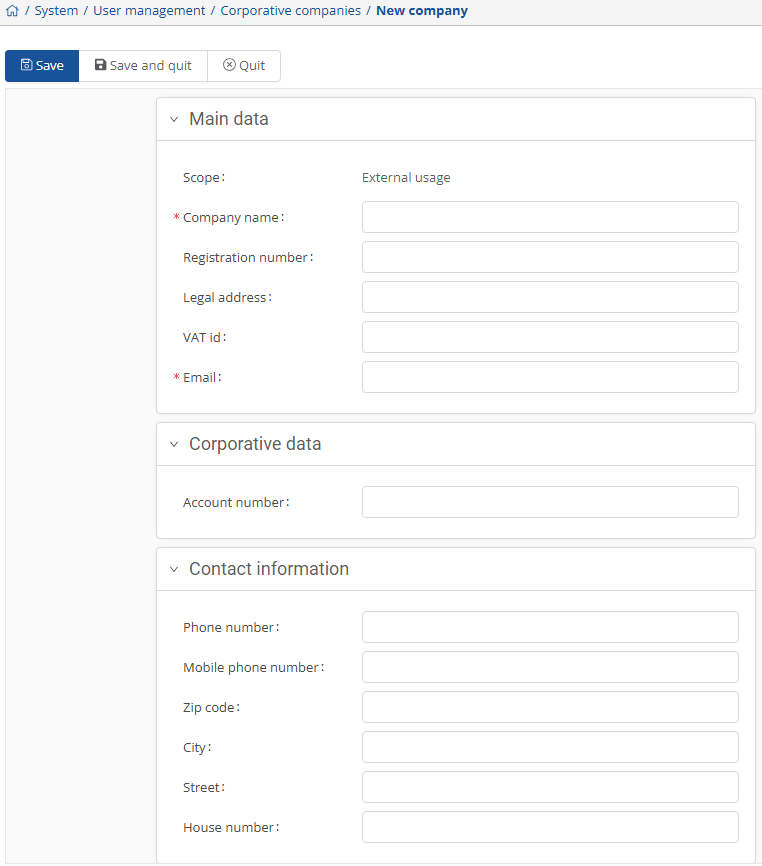
After adding the company, you will first be asked whether it will be used internally or externally. To continue with the setup, select the appropriate option here. In the window that opens, you can enter all relevant information about the company.
The required fields are marked with a red asterisk.
On the right-hand side, once you have selected a company, you have the option to upload relevant documents.